 Zenith Wellness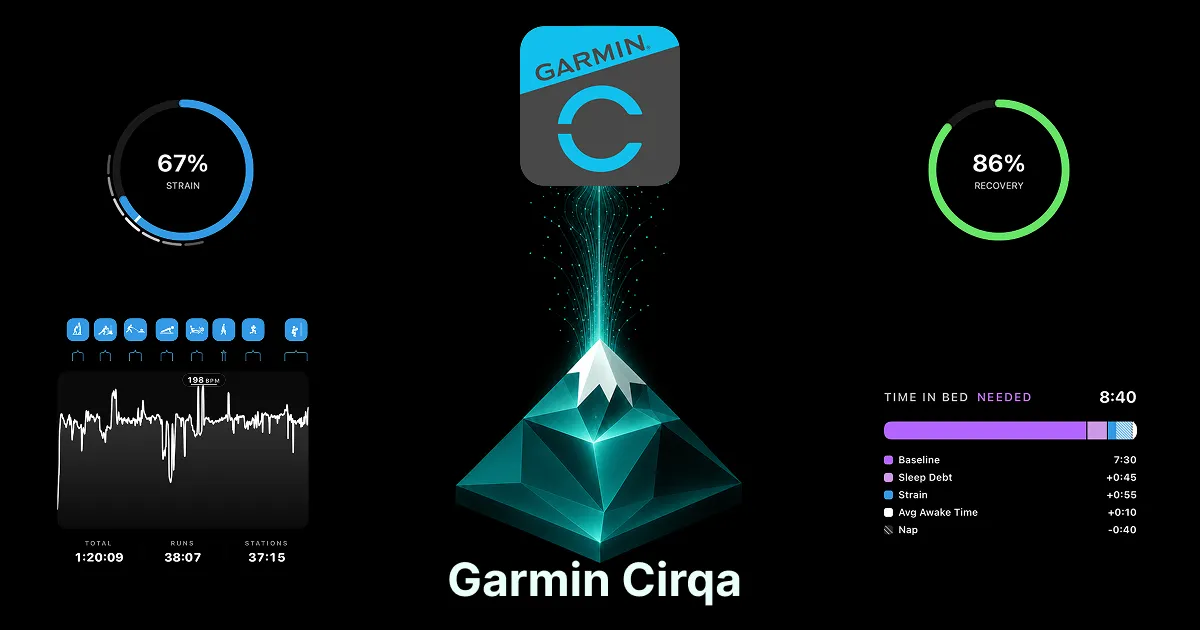
The Cirqa is a screen-free band, but do not let the simple form fool you. It records nearly everything Garmin’s bigger watches do. The question is what to do with all of it.
Quick answer: The Cirqa records HRV, resting heart rate, Body Battery, sleep, skin temperature, and readiness, then syncs it all to Garmin Connect. Connect shows you the numbers but does little to interpret them. To get the most from a Cirqa, pair it with a companion app like Zenith that reads the same data and turns it into recovery, strain, and trends you can act on.
What the Cirqa captures
For a screen-free band, the sensor list is deep: wrist heart rate, HRV, resting heart rate, Body Battery, Pulse Ox, skin temperature, and stress, plus full sleep tracking with stages and a sleep score. It also estimates VO2 max, HRV status, and training readiness, and logs 80-plus activities using your phone for GPS.
In other words, the data is all there. The band is not the limitation.
Where the data goes, and where it stops
Everything the Cirqa records flows into Garmin Connect, the same app every Garmin reports to. Connect stores it and shows summaries plus a few scores. Where it stops is interpretation: how your numbers trend over weeks, how they connect, and what a change means for your training. We wrote about that gap in detail in why your Garmin collects everything and explains nothing.
So the Cirqa gives you excellent raw material and a fairly basic read of it. Closing that gap is how you get the most from the band.
Turning Cirqa data into insight
A companion app reads the same Cirqa data and surfaces the parts that drive decisions:
- A unified recovery score with the specific metrics that moved it, rather than only Body Battery.
- Combined strain across your workouts, so effort and readiness sit on one scale.
- Trend-comparison charts that show how recovery, sleep, and HRV move together over weeks.
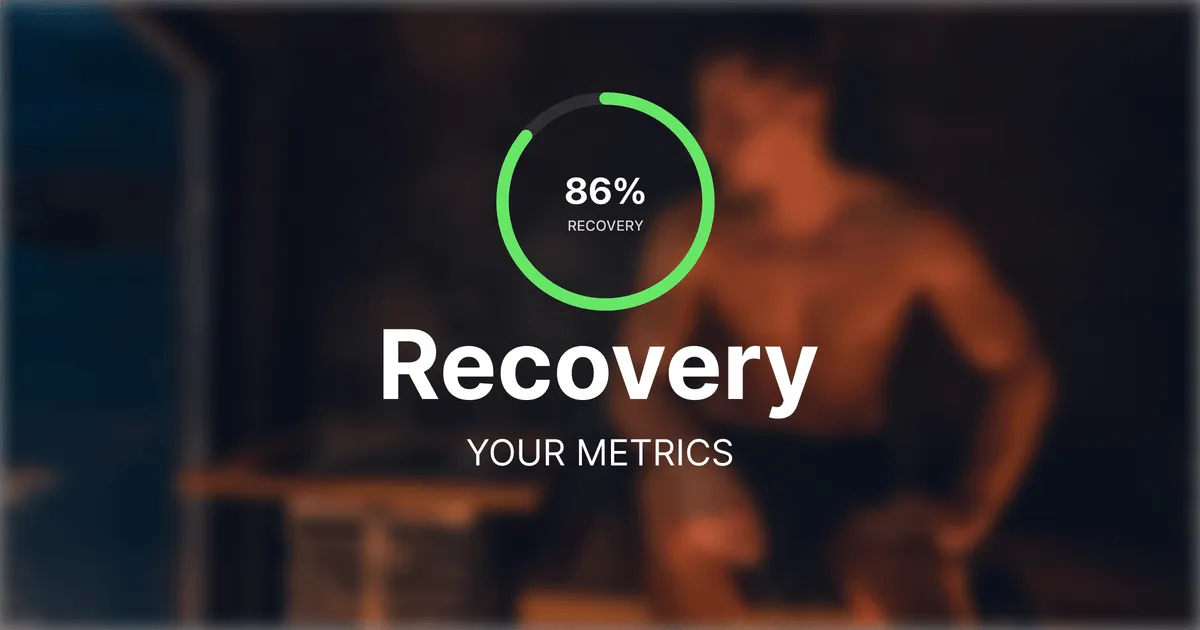
This is exactly what Zenith does, and it does it without a second device or a subscription. The Cirqa syncs to Garmin Connect, Zenith reads that data, and you get the interpretation Connect leaves out.
It works with your Cirqa today
Because the Cirqa uses the same Garmin Connect sync as every Garmin device, Zenith supports it from day one. There is nothing to configure. Wear the band, let it sync, and open Zenith to see your recovery, strain, and trends. It is free at its core, with an optional Pro tier for full history. Try Zenith. It’s free to start.
Getting started
- Wear the Cirqa consistently, including overnight, so your baselines settle.
- Let it sync to Garmin Connect as normal.
- Add Zenith to read the same data and turn it into recovery, strain, and trends.
For where the Cirqa fits against other options, see Garmin Cirqa vs WHOOP and The Best App for Your Garmin in 2026.